

5. Customisation
& Learning Pathways
How to create custom courses (upload video, PDF, PPT, quizzes).
Below is a quick overview on how to create a course.
You can add various multimedia to lessons, including images (like JPG, PNG), documents (like PDF), audio (MP3, WAV), video (MP4, MP4, MOV), and embeddable content from third-party platforms like YouTube. You can also add interactive content, present downloadable supplemental materials, and SCORM content such as Articulate Storyline or Captivate.
Building custom learning pathways
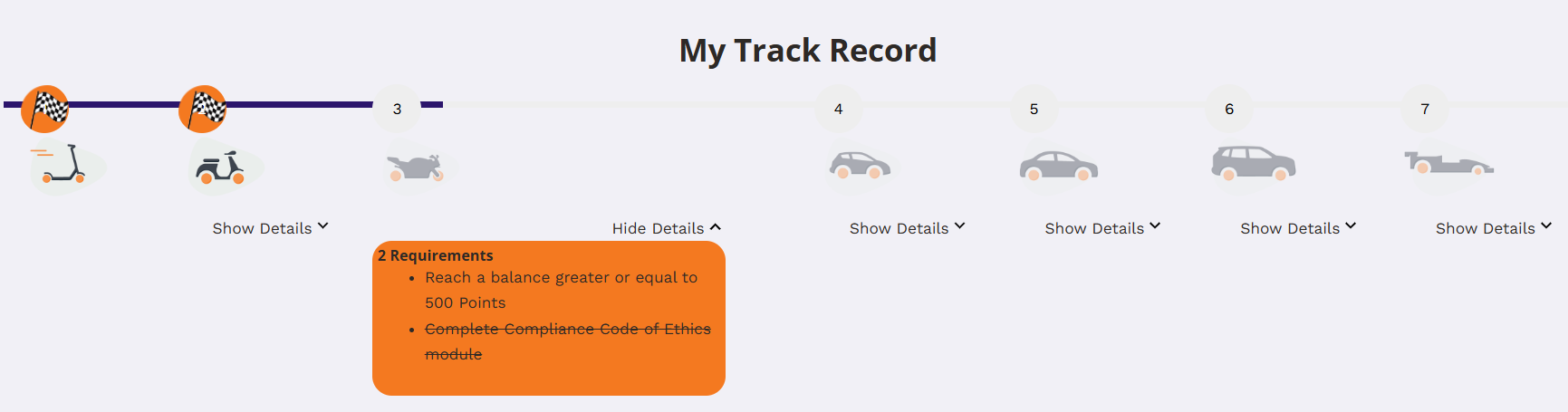
Linear Progression: By default, learners must complete courses and lessons in a set order. This creates a basic, guided learning path.
Course Prerequisites: You can set up specific courses or lessons that must be completed before a learner can access others, guiding them along a predetermined path.
Adaptive Learning: You can also enhance the learning path by allowing you to adapt the course structure based on a learner’s initial skill level.
Pre-requisite Quizzes: Use quizzes to assess a learner’s knowledge before they start, placing them on the most appropriate learning track from the beginning.